Create random strings in Bash
I manage a number of systems on which web and therefore API services in any form are prohibited for security reasons. However, long-running processes have to be started and monitored from outside quite often and it should be possible to retrieve the output of the processes as well. To implement these requirements, I use an unprivileged SSH account on the systems mentioned at the beginning, which does not have an interactive shell available and which I have reduced to a single, permitted bash script, that is executed directly after authentication via public key. This script now only offers the following actions:
- Start process
- Transmit process status
- Transmit process output
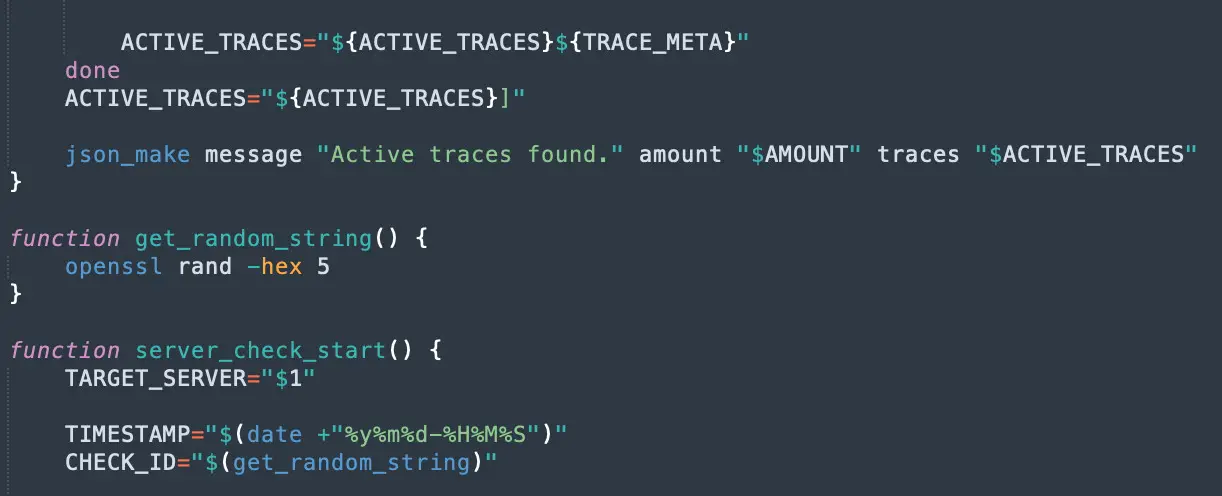
In order to be able to monitor the processes, I generate unique IDs at startup that allows me to retrieve the status and results of each process. There are many ways to generate such IDs in Bash scripts and I would like to briefly present my two favorites here:
1. Generate with openssl
The first method generates a 20-character hexadecimal random string. It is therefore limited to: a-f 0-9. Each "character" is represented by 8 bits of output (combinations 00 to ff), so when setting the desired length, use an even number and divide by two. Here we want 20 characters, so we use a length of 10.
$ openssl rand -hex 10
eec3da9e849fdc383d75
2. Read from /dev/urandom
The second method generates a 20-character random string using the characters -_#% A-Z a-z 0-9. Note that a minus sign must be escaped with a backslash when defining the filter using the tr command.
$ cat /dev/urandom | tr -dc '\-_#%A-Za-z0-9' | head -c20
NK%eezihVNC6qbz0-cFH
As mentioned at the beginning, there is a wealth of methods for generating random strings using Bash. In my opinion, care should be taken to ensure that the random factor is secured. For this reason, I use openssl or /dev/urandom.
Have fun generating!